 Shturman
A secure connection and a link check — in one app
One tap and the traffic between your iPhone and the server is encrypted. And when a strange link lands in a chat, Shturman tells you whether it pretends to be a well‑known site.
Three things Shturman does
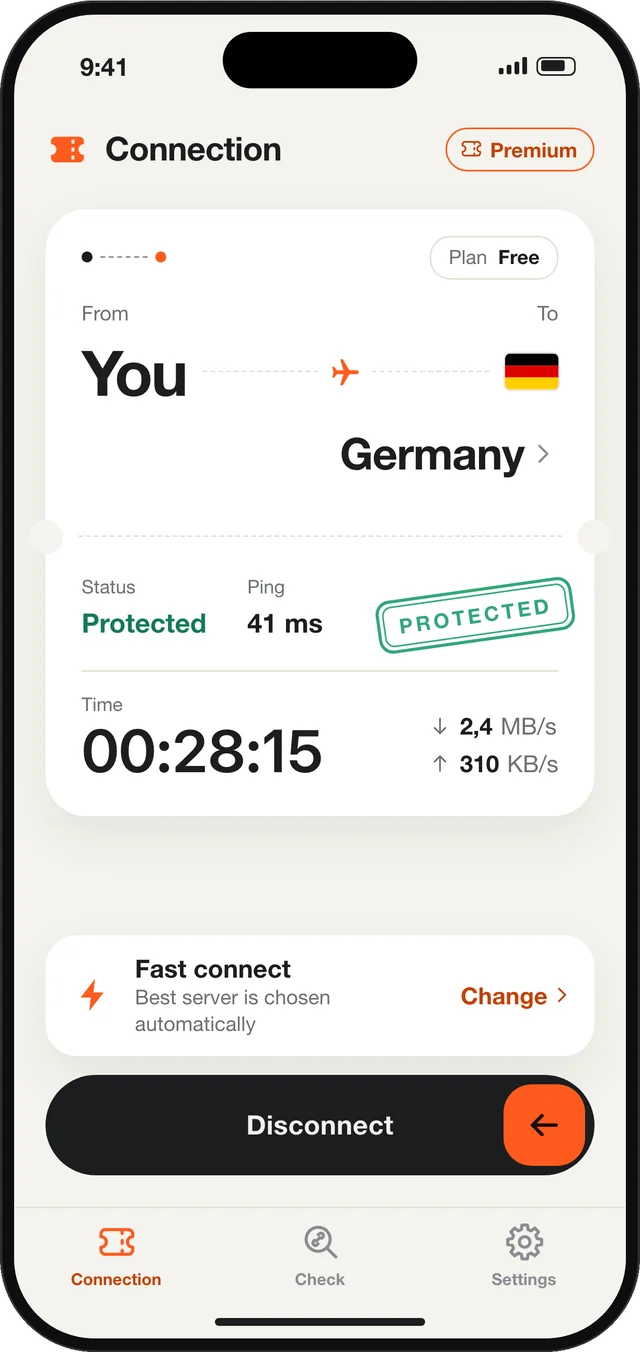
Protection in one tap
Tap Connect and your connection is encrypted. Handy in cafés, airports, hotels and on any public Wi‑Fi.
Our own shttp protocol
We built shttp in‑house: a stable, private connection on standard TLS encryption.
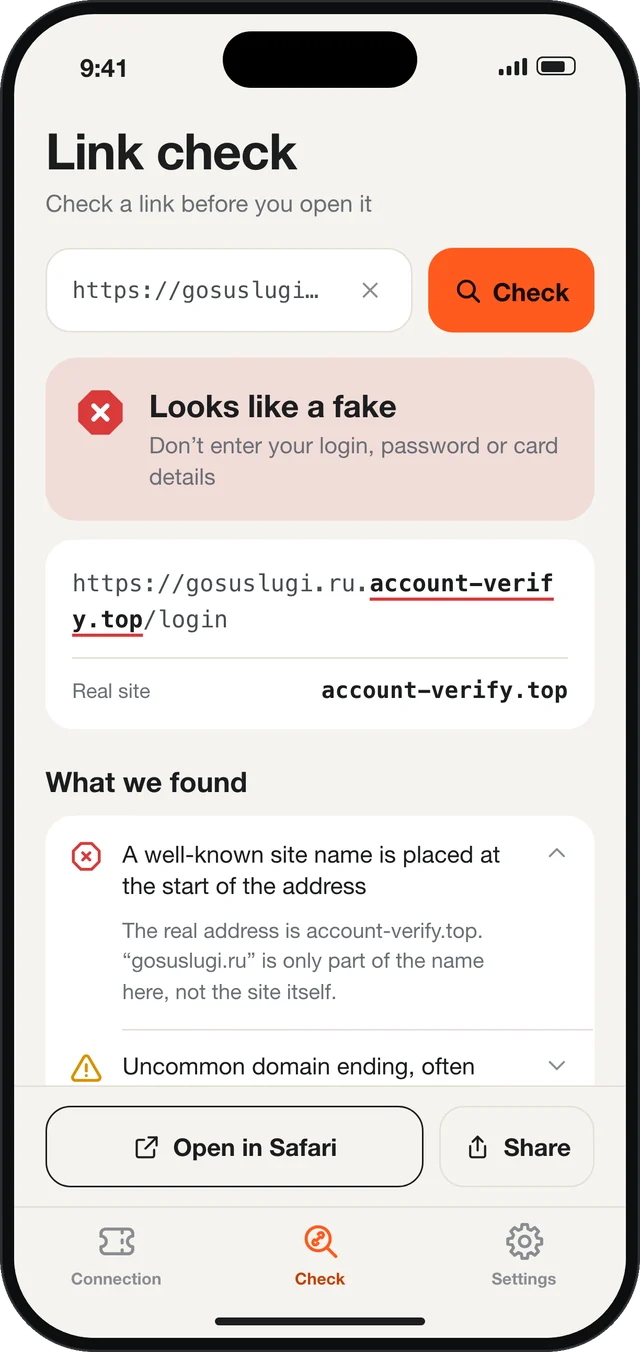
Link check
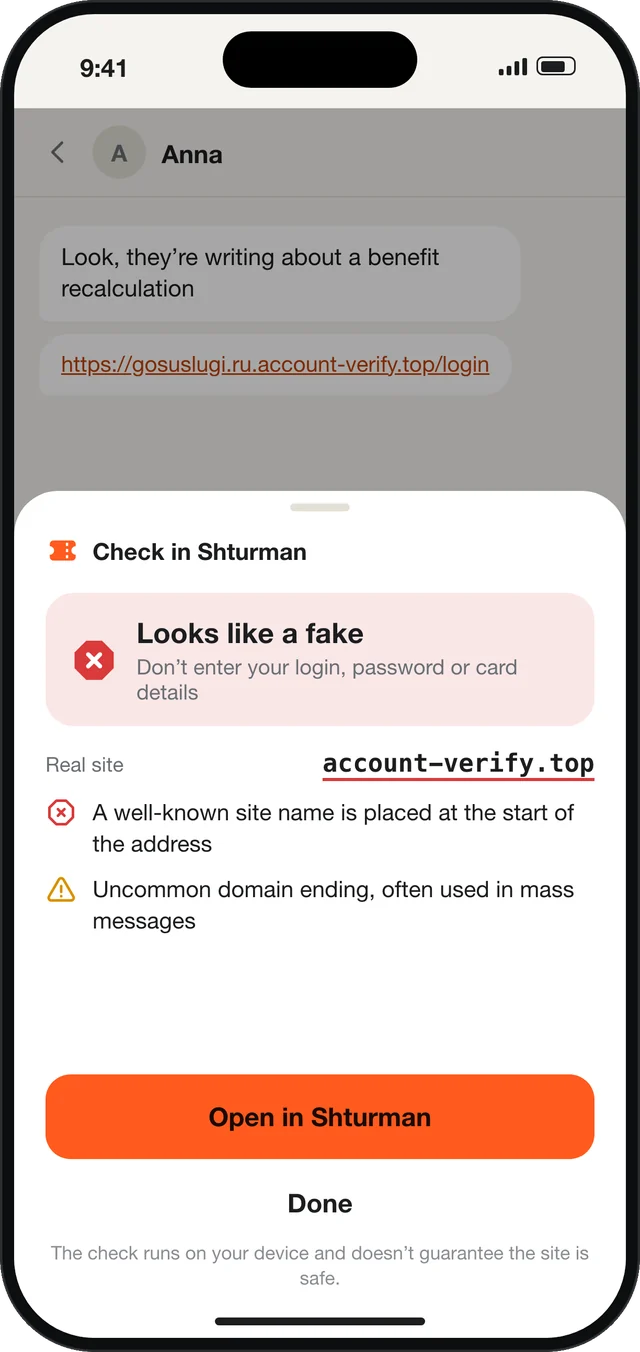
Paste a link or send it from a messenger via Share — and see whether it shows signs of a fake.
shttp — built in‑house
Shturman runs on shttp, a new data transfer protocol we developed ourselves. The connection is encrypted with standard TLS, and shttp keeps it stable and private on any network.
If a server stops responding, the app quietly switches to a backup one — no need to tap anything.
Check a link before you open it
Scam links often look almost like the real thing. Shturman breaks the address down and shows you the real site the link leads to.
Shturman warns you when:
- a well‑known site name sits at the start of the address, but the real site is different
- the address looks like a familiar one but differs by a letter or two
- the address mixes letters from different alphabets
- the link leads to an IP address instead of a site name
- the real address is hidden behind a short link
- the link carries tracking tags — remove them with one tap
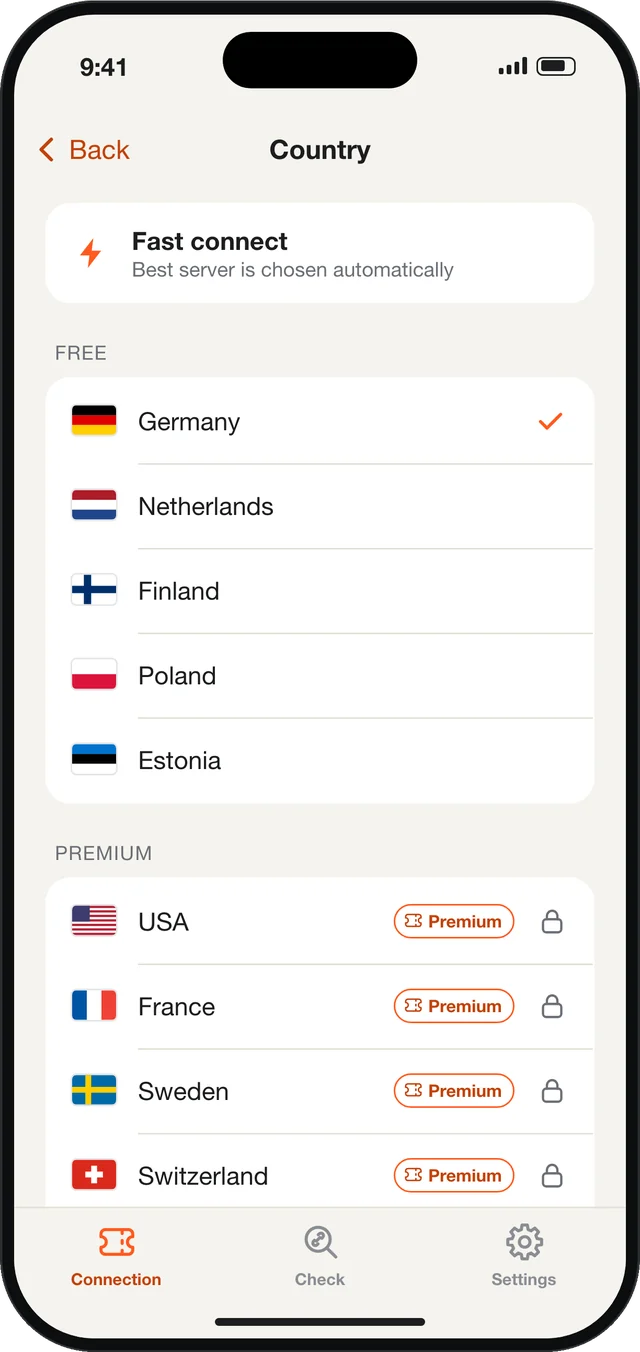
Fast connect or pick a country
By default Shturman picks a suitable server for you. Want a specific country? Choose it from the list.
- Automatic server choice
- Several countries in the free version
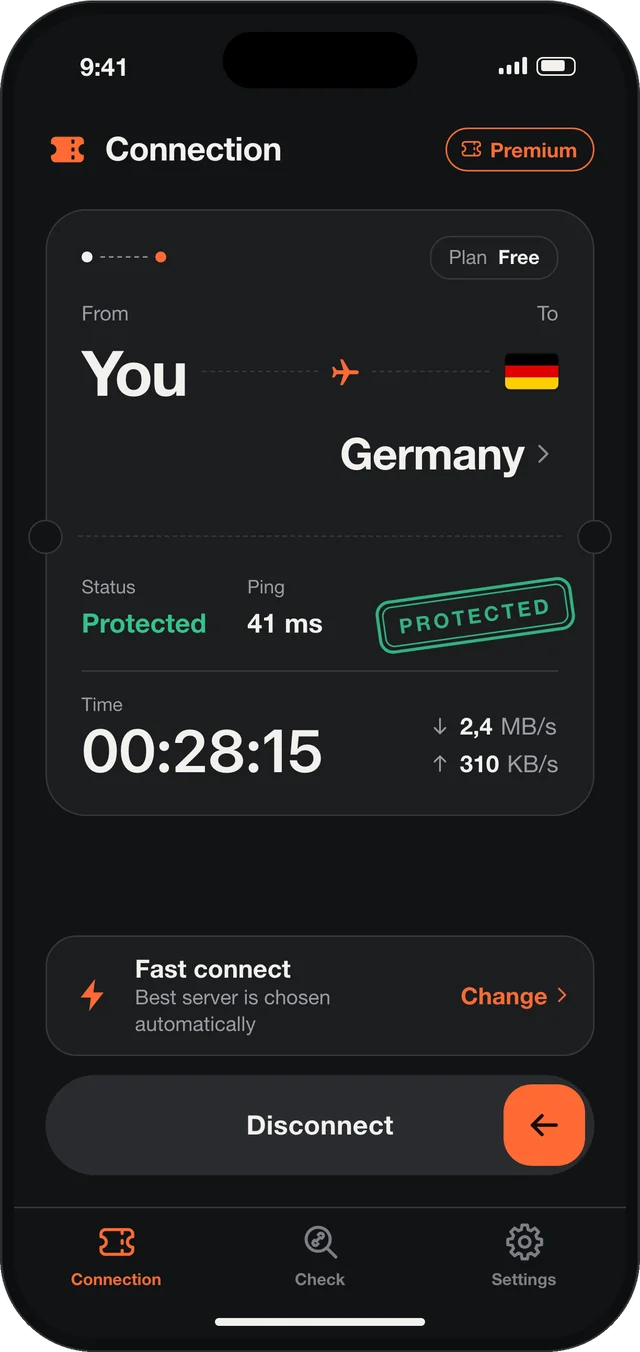
- Light and dark theme
Honest about data
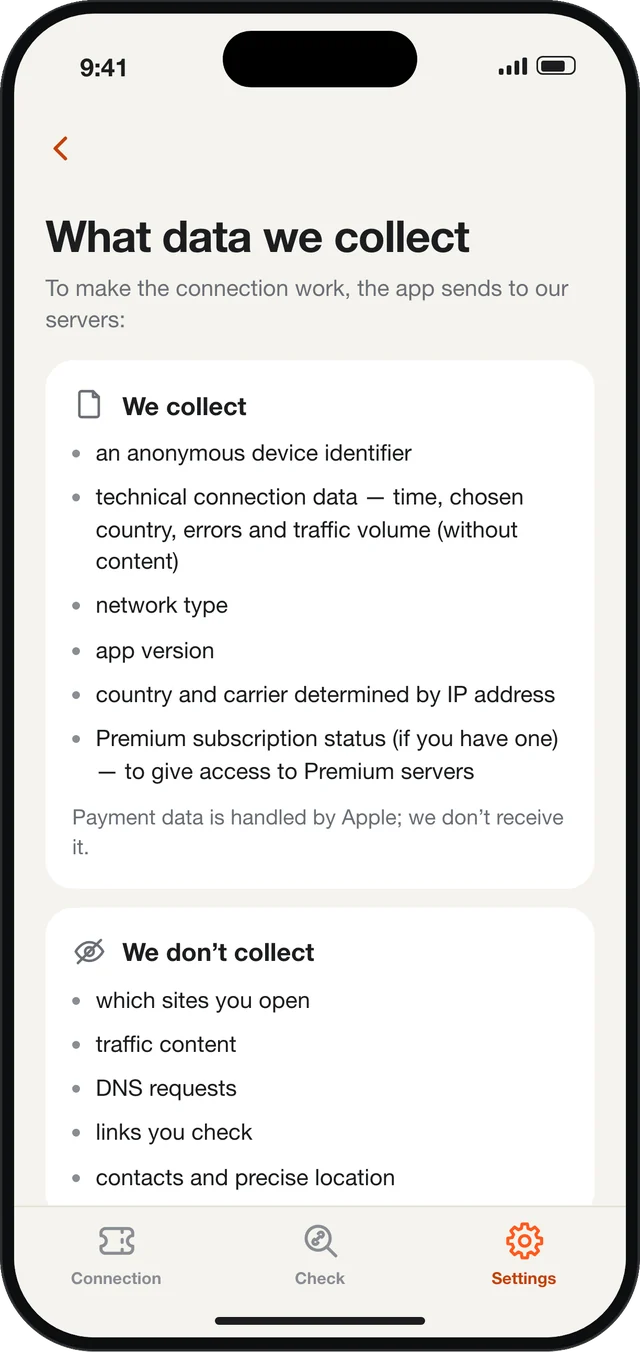
On first launch the app shows what data is sent and why. Here is the same list.
We collect
- an anonymous device identifier
- technical connection data — time, chosen country, errors and traffic volume (no content)
- network type and app version
- country and carrier determined from the IP address
- Premium subscription status, if you have one
We don’t collect
- which sites you open
- traffic content and DNS queries
- links you check
- contacts and precise location
- the advertising identifier (IDFA) — there are no ads in the app
We do not sell or share data with third parties and do not use it for advertising. Privacy Policy →
Questions
Do I need an account?
No. The app works right after installation. Premium is tied to your Apple ID — on a new iPhone tap Restore Purchases.
What is shttp?
A new data transfer protocol we developed ourselves for Shturman. The connection is encrypted with standard TLS.
Can you see which sites I open?
No. We don’t collect browsing history, traffic content or DNS queries. The full list of what is sent is on the “What data we collect” screen and in the Privacy Policy.
Does the link check send my links to a server?
No. The check runs on your iPhone. Recent checks are stored only on the device; you can clear or turn off the history in Settings.
How do I cancel the subscription?
iPhone Settings → your name → Subscriptions → Shturman Premium. Cancel at least 24 hours before the end of the period.
How do I get a refund?
Payments are processed by Apple, so refunds go through Apple: reportaproblem.apple.com. If something doesn’t work, write to us and we’ll help.